

Jeetway app
The app puts your account, the casino lobby, cricket betting and the cashier on your phone, on Android and iPhone. Download it only from the links on this page.
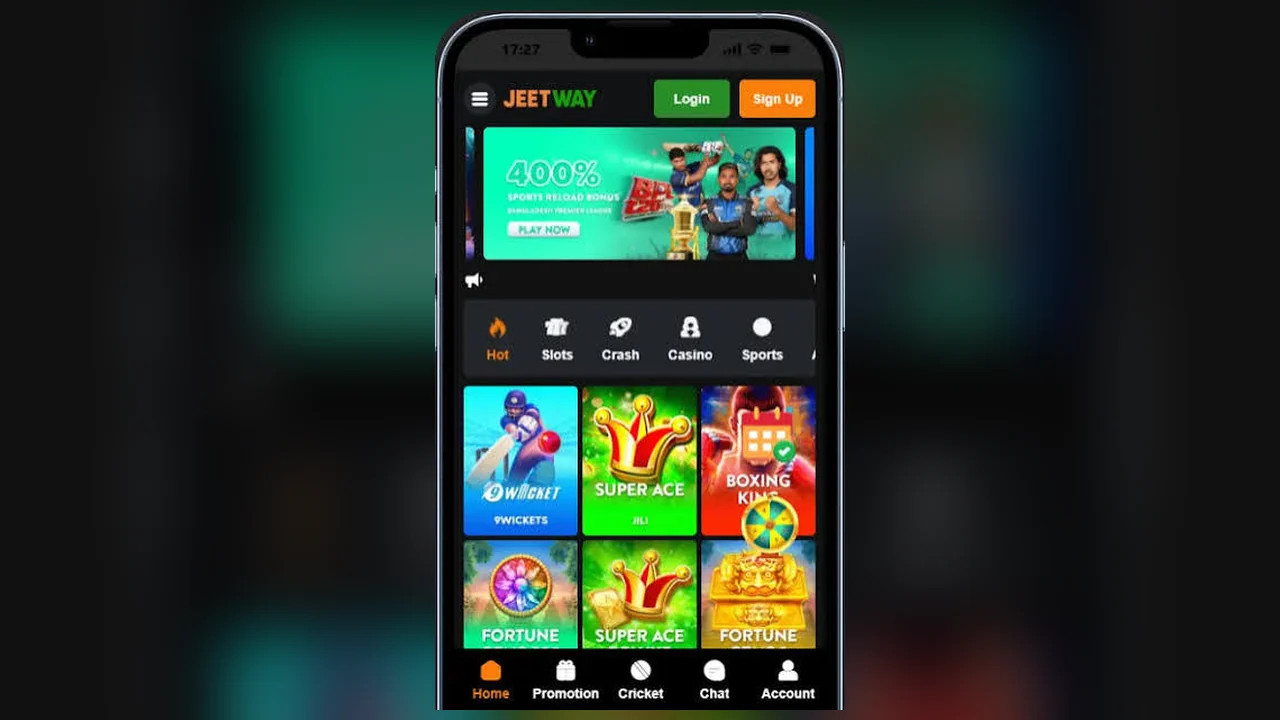
App details
- Android
- Available
- iPhone / iPad
- Available
- Version
- 8.0.99.00-row
- Requires
- Android 7.0+
- Size
- 68 MB
- Updated
- 2026-11-06
- Price
- Free
Download and install the Jeetway app on Android
On Android, the Jeetway app is installed from an APK (Android application package), the file format Android uses to distribute and install apps. Installing an APK from a website takes one extra permission step compared with Google Play:
- Download the app file with the Android button on this page. Your phone may warn that the file can be harmful; this is the standard message for apps installed outside Google Play.
- Allow the installation. When prompted, open Settings and turn on Install unknown apps for the browser you used (Chrome, for example). You can switch it off again afterwards.
- Install. Open the downloaded file from your notifications or the Downloads folder and tap Install.
- Log in. Open Jeetway from your home screen and sign in with your usual details.
iPhone and iPad
The iPhone app uses the same account as the website and the Android app. Install it with the iPhone button at the top of this page, and only from that official link.
Jeetway app login
The app uses your existing account; there is nothing new to register. If you have forgotten your password, reset it from the app's login screen or follow the steps on the login page. If you don't have an account yet, sign up first.
Updating the app
Keep the app up to date for new games, fixes and security patches. When an update is available, download the new version from this page and install it over the old one; your account and balance stay on Jeetway's servers, not on the phone.
Is the APK safe?
- Download only from this page. Modified APKs shared on social media can steal login and wallet details.
- Use the phone's screen lock and log out if others use your device.
- Keep Google Play Protect switched on.
Installation problems and fixes
- "App not installed"
- Usually an older copy is in the way. Uninstall the previous Jeetway app, restart the phone and install the new file.
- The download does not start
- Check free storage space and your connection, then try again in Chrome.
- Play Protect blocks the installation
- Confirm the file came from this page. Choose More details → Install anyway only for the official file.
- The app closes or freezes
- Update to the latest version, clear the app cache in Settings → Apps → Jeetway → Storage, and restart the phone.
Playing in a mobile browser
The website works in mobile browsers too. Open jeetwaybd.com, log in and use the same account without installing anything.
App questions
Is the Jeetway app free?
Yes, downloading and installing the app is free.
Do I need a new account for the app?
No. Log in with the same username and password you use on the website.
Is there a Jeetway app for iPhone?
Yes. The app is available for both Android and iPhone. Use the download buttons at the top of this page.