

Jeetway login
Sign in with the username and password you chose when you registered. The same account works on the website, in mobile browsers and in the Jeetway app.
This page does not ask for your password. You enter it only on the Jeetway login screen.
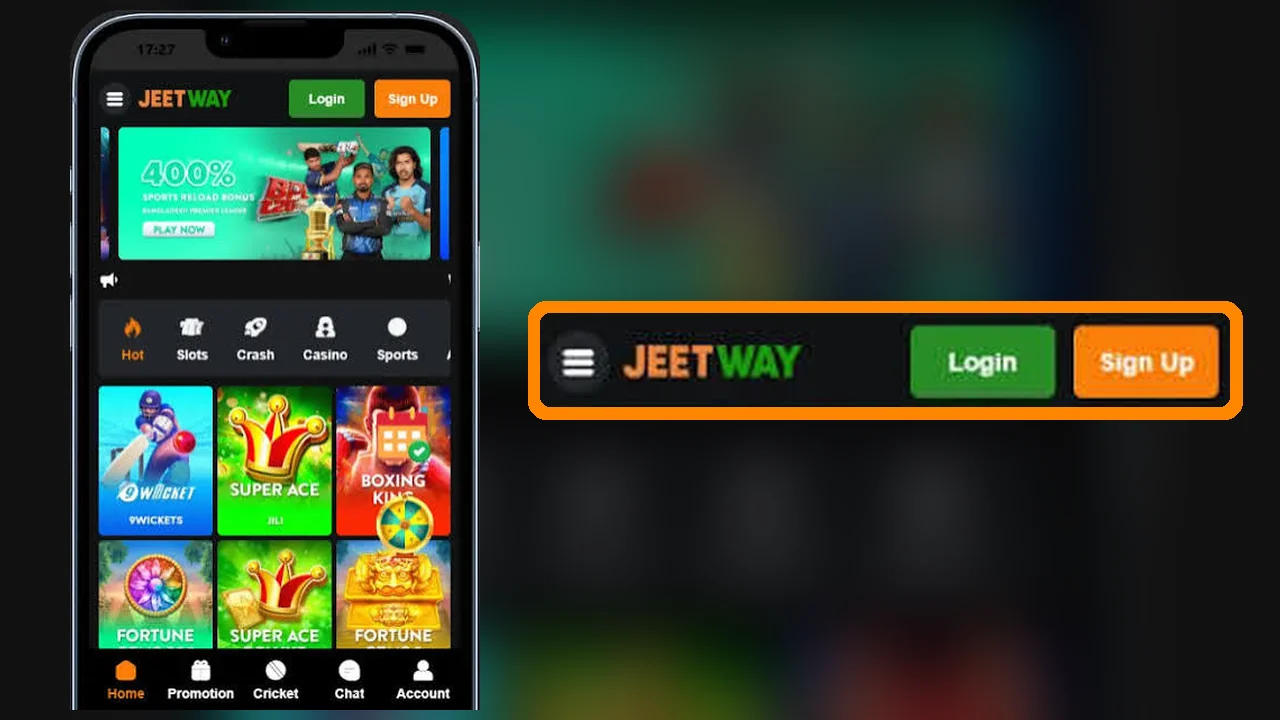
How to log in to Jeetway
- Open the login screen. Use the button above or the Login button at the top of any page.
- Enter your username. This is the name you chose when registering: 4–16 letters and numbers.
- Enter your password. Passwords are case-sensitive, so check that Caps Lock is off.
- Tap Login.
Logging in on mobile and in the app
In a mobile browser the steps are the same as on desktop. The Jeetway app uses the same username and password.
If you use a shared phone, log out after every session and do not let the browser save your password.
Forgot your Jeetway password?
- On the login screen, tap Forgot password.
- Choose how to receive the reset: by SMS or email, and enter the details the screen asks for, such as your username, registered mobile number or email.
- Follow the instructions in the SMS or email and choose a new password you have not used elsewhere.
No access to the phone number or email on your account? Contact support; they will ask you to confirm your identity before changing account details.
Common login problems
- "Incorrect username or password"
- Retype both fields by hand rather than pasting, check the keyboard language and Caps Lock, then reset the password if it still fails.
- The page will not load
- Switch between Wi-Fi and mobile data, clear the browser cache, or try the app. If the site is unreachable for everyone, check the contact page for current access information.
- Logged out of the app
- Sign in again with the same username and password. If that fails, reset the password.
- Account locked or restricted
- Only support can review a restricted account. Message them from the contact page with your username.
Keeping your account secure
- Log in only through jeetwaybd.com or the app installed from the app page. Copies of betting sites shared in groups and ads are a common way passwords are stolen.
- Use a password you use nowhere else, especially not for bKash, Nagad or your email.
- Never share passwords or one-time passwords (OTPs), the short codes sent by SMS to confirm an action. Support staff do not need them.
- Log out on shared devices and change your password if you notice activity you do not recognise.
VIP and other logins
VIP members use the same login as every other player; VIP status is attached to your normal account. See the Jeetway VIP Club.
Login questions
Is there a separate login for the Jeetway app?
No separate account is needed. The app uses the same username and password as the website.
Can I change my login password?
Yes. After logging in, open your account settings to change the password, or use Forgot password on the login screen if you cannot sign in.
I don't have an account yet. What do I do?
Register first on the sign-up page, then come back to log in.